

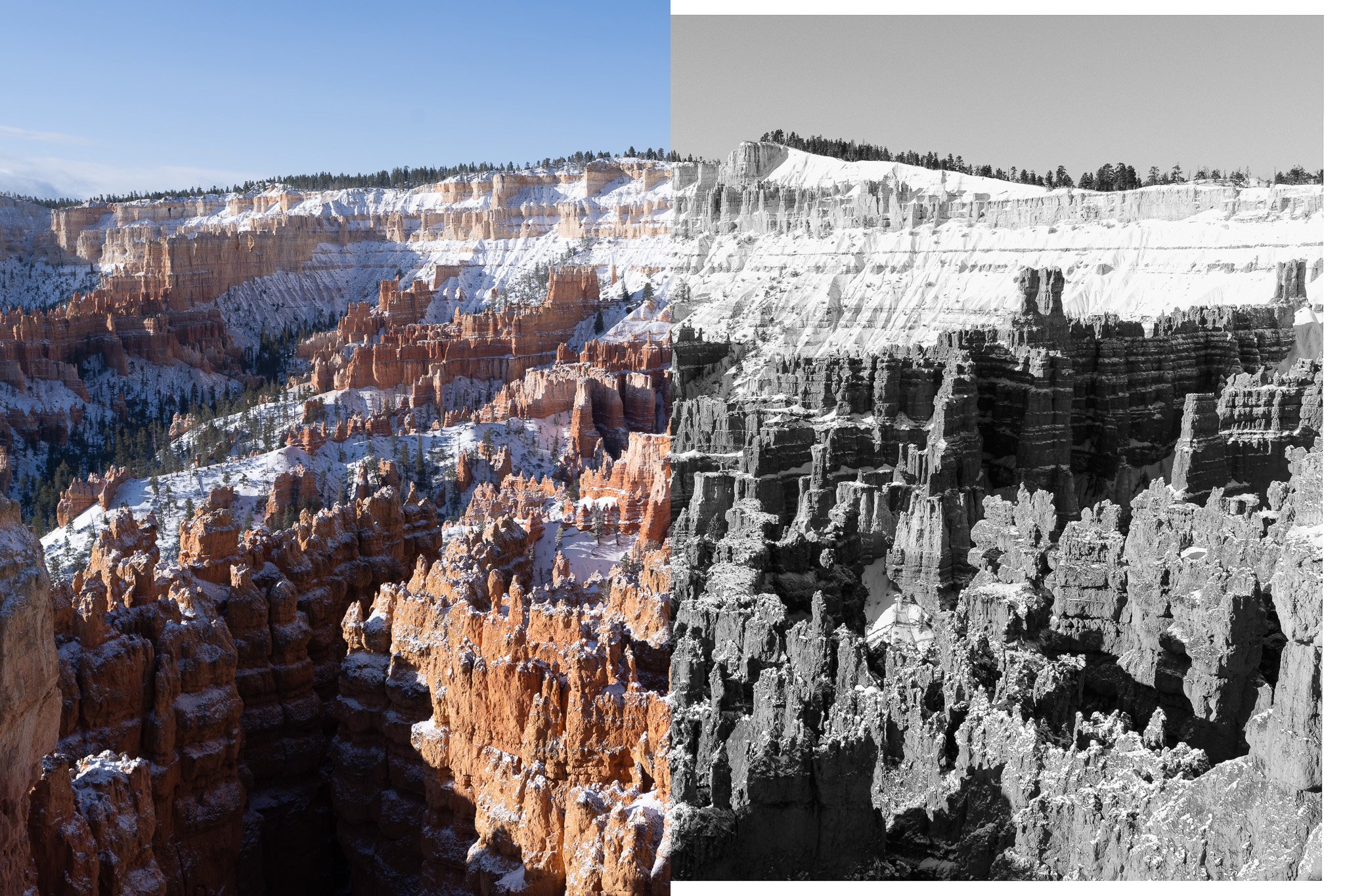


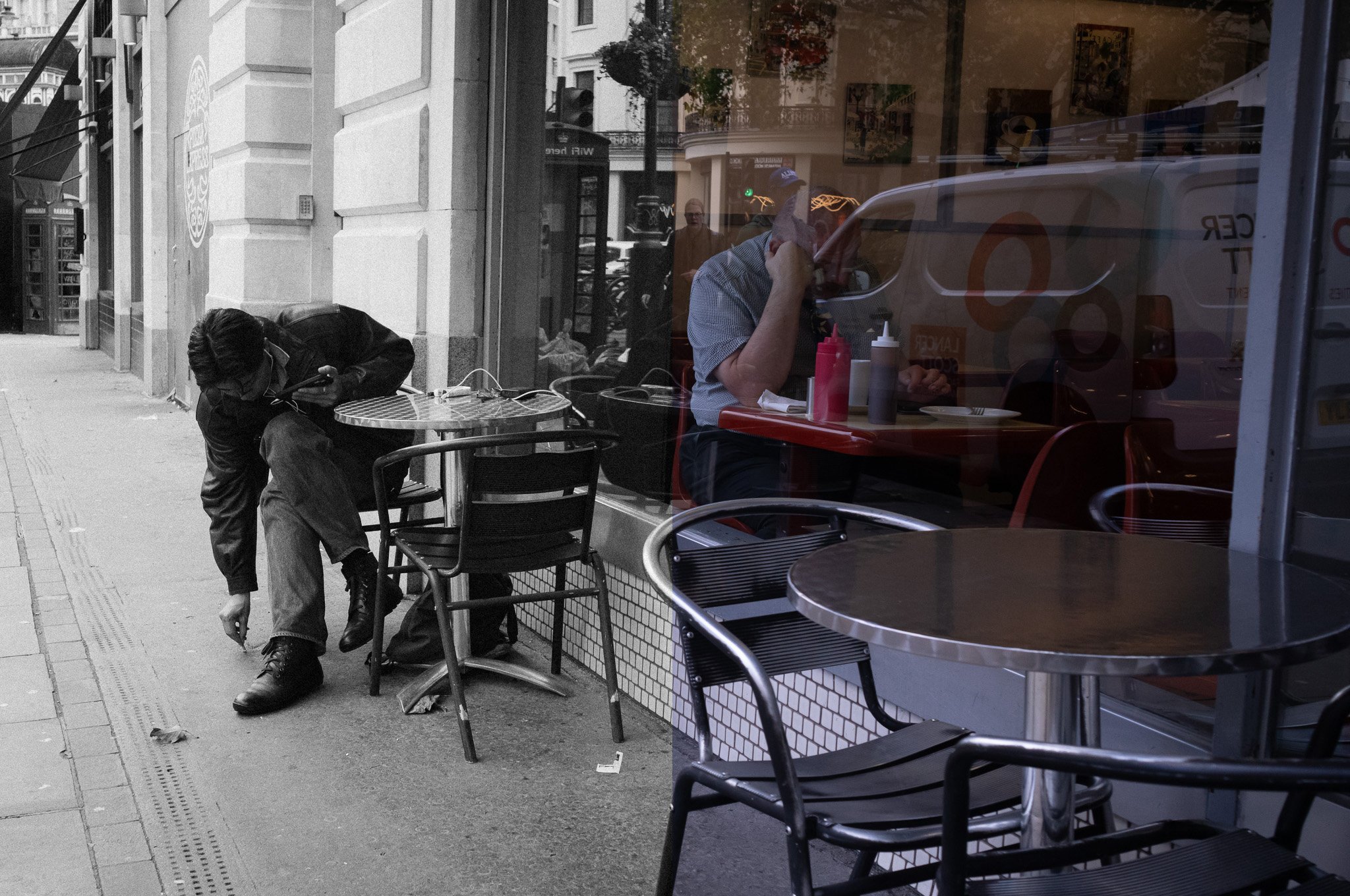
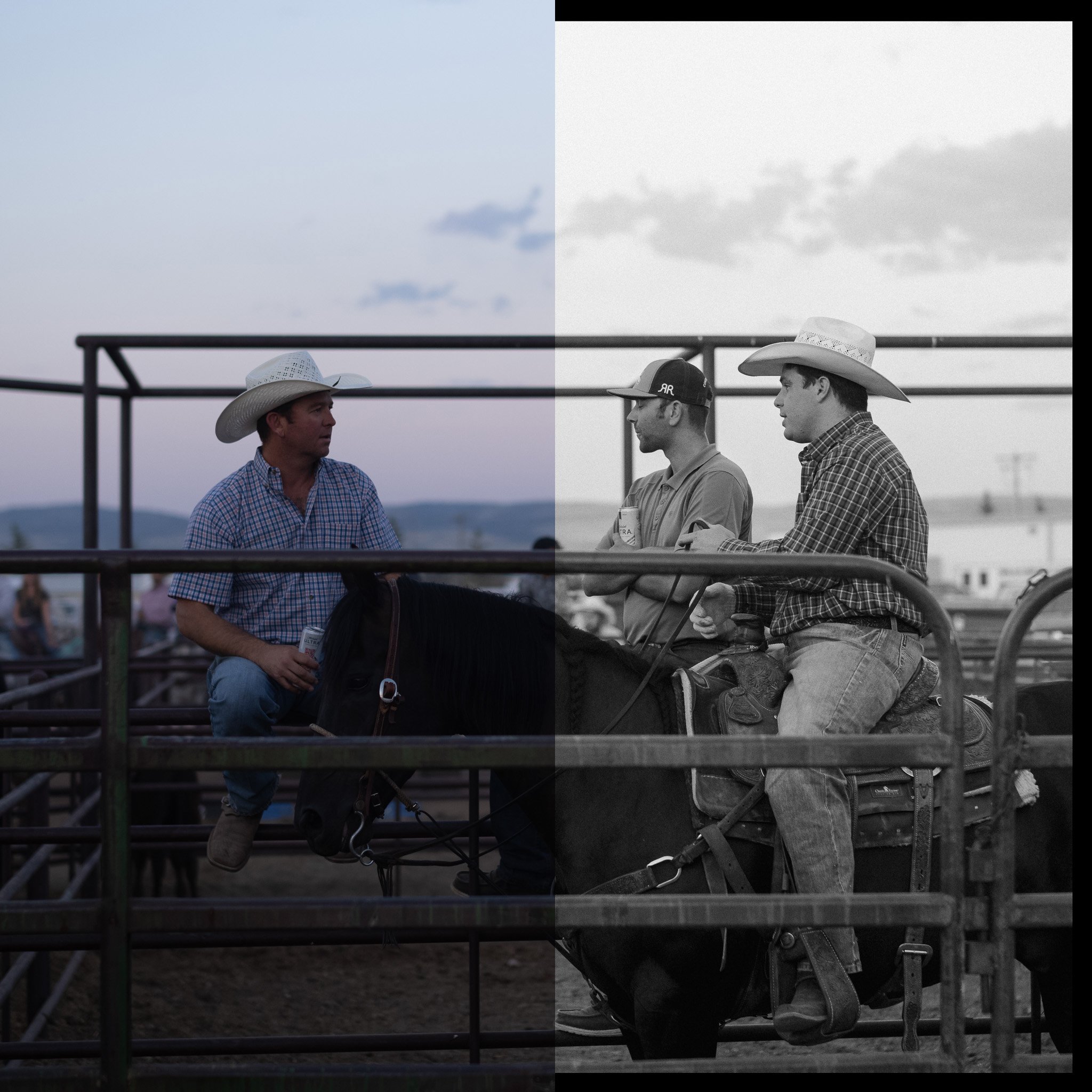

Few film stocks have earned the reputation Tri-X has. Seventy years of photojournalism, fine art, portraits, street photography, and everything in between. There's a reason it became the default for photographers who needed a black and white stock they could trust in any situation.
That character is what this preset is built around. High contrast with shadows that have depth rather than just going black. Grain that's pronounced enough to feel intentional. A gritty, confident look that holds up across subjects and genres.
VGCO has created a faithful version for your digital files, with a set of modifiers to make it your own.
Includes the preset, modifiers, and a user guide. Works with any camera system.
Few film stocks have earned the reputation Tri-X has. Seventy years of photojournalism, fine art, portraits, street photography, and everything in between. There's a reason it became the default for photographers who needed a black and white stock they could trust in any situation.
That character is what this preset is built around. High contrast with shadows that have depth rather than just going black. Grain that's pronounced enough to feel intentional. A gritty, confident look that holds up across subjects and genres.
VGCO has created a faithful version for your digital files, with a set of modifiers to make it your own.
Includes the preset, modifiers, and a user guide. Works with any camera system.

